

What's New in 2.0
The biggest update yet — Group Maker, Arc Mode, and more
Group Maker
Split any list into random groups with one tap. Save results, revisit them anytime, and export as beautifully formatted PDF, CSV, or text.
Export as PDF · CSV · TXTArc Wheel Mode
A new zoomed-in arc view for better readability with large lists. Adapts layout to iPhone, iPad, and Mac for the best experience on every device.
Optimized for every screen size120 Names & GPU Rendering
Max names doubled from 60 to 120. Canvas-based rendering delivers smooth, GPU-accelerated wheel performance even with the largest lists.
2× more names · Silky smoothFeatures
Everything you need for fair random selection
Spin to Select
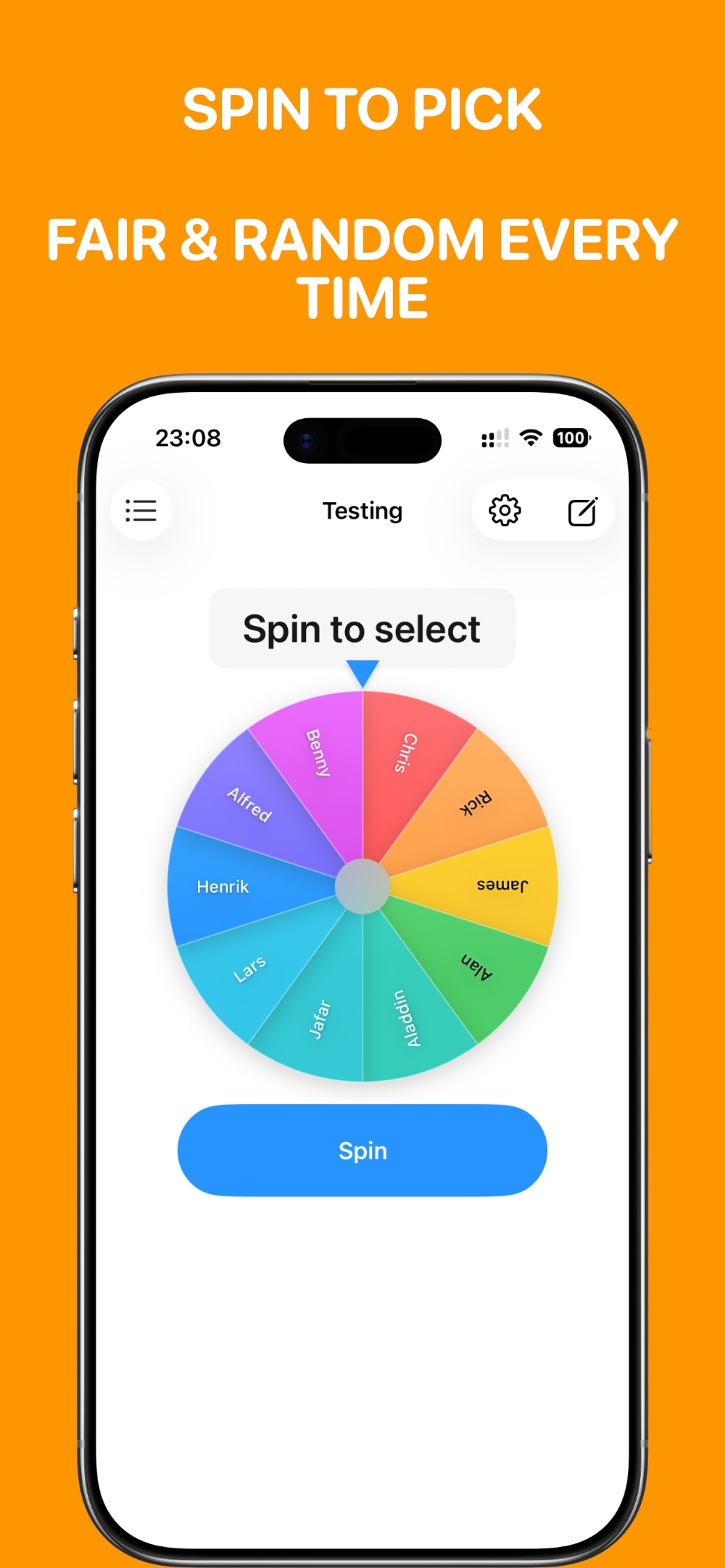
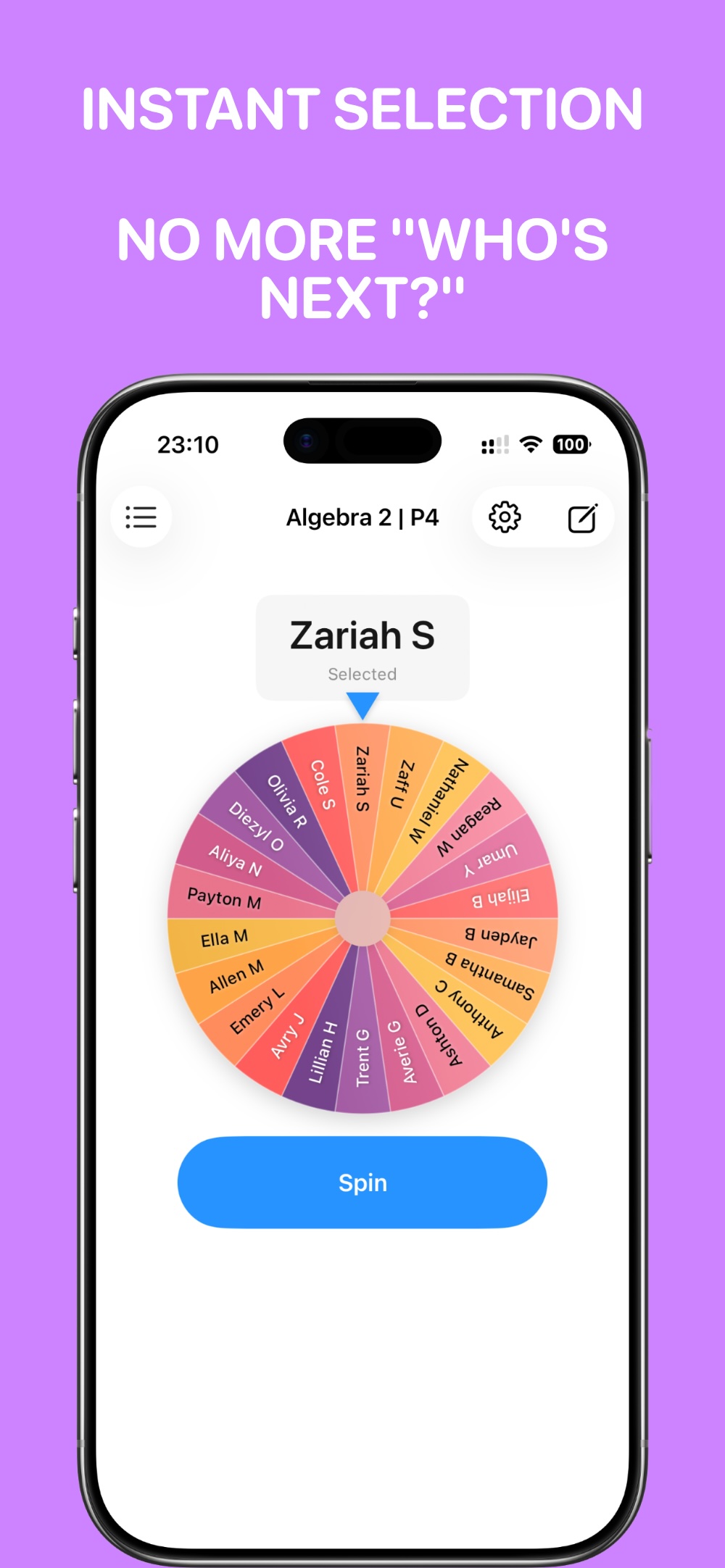
A colorful spinning wheel that randomly picks names with smooth animations and satisfying sound effects.
Multiple Lists
Create separate lists for each class or activity. Easily switch between them with a tap.
CSV Import
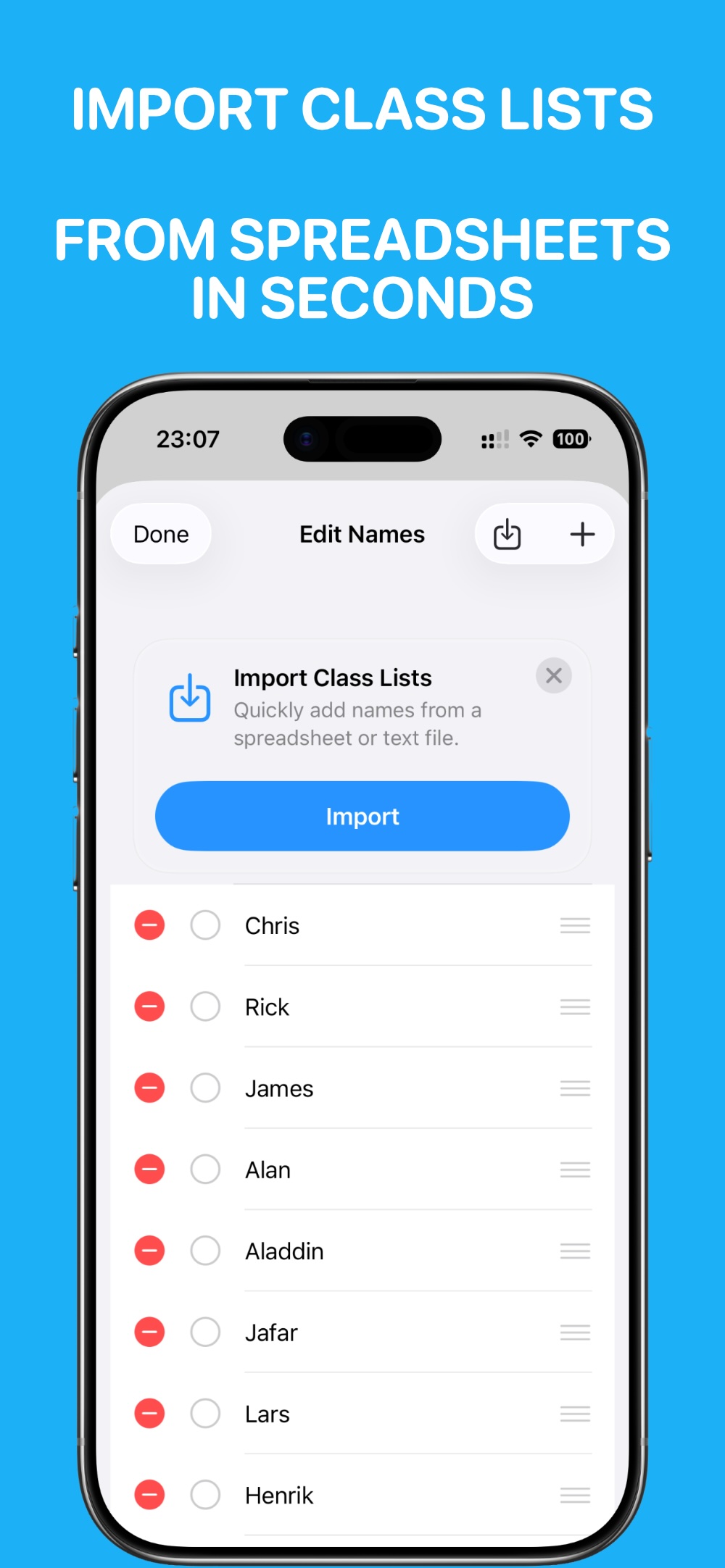
Quickly import class lists from spreadsheets or text files. No more typing names one by one.
iCloud Sync
Your lists sync automatically across all your Apple devices via iCloud.
Color Themes
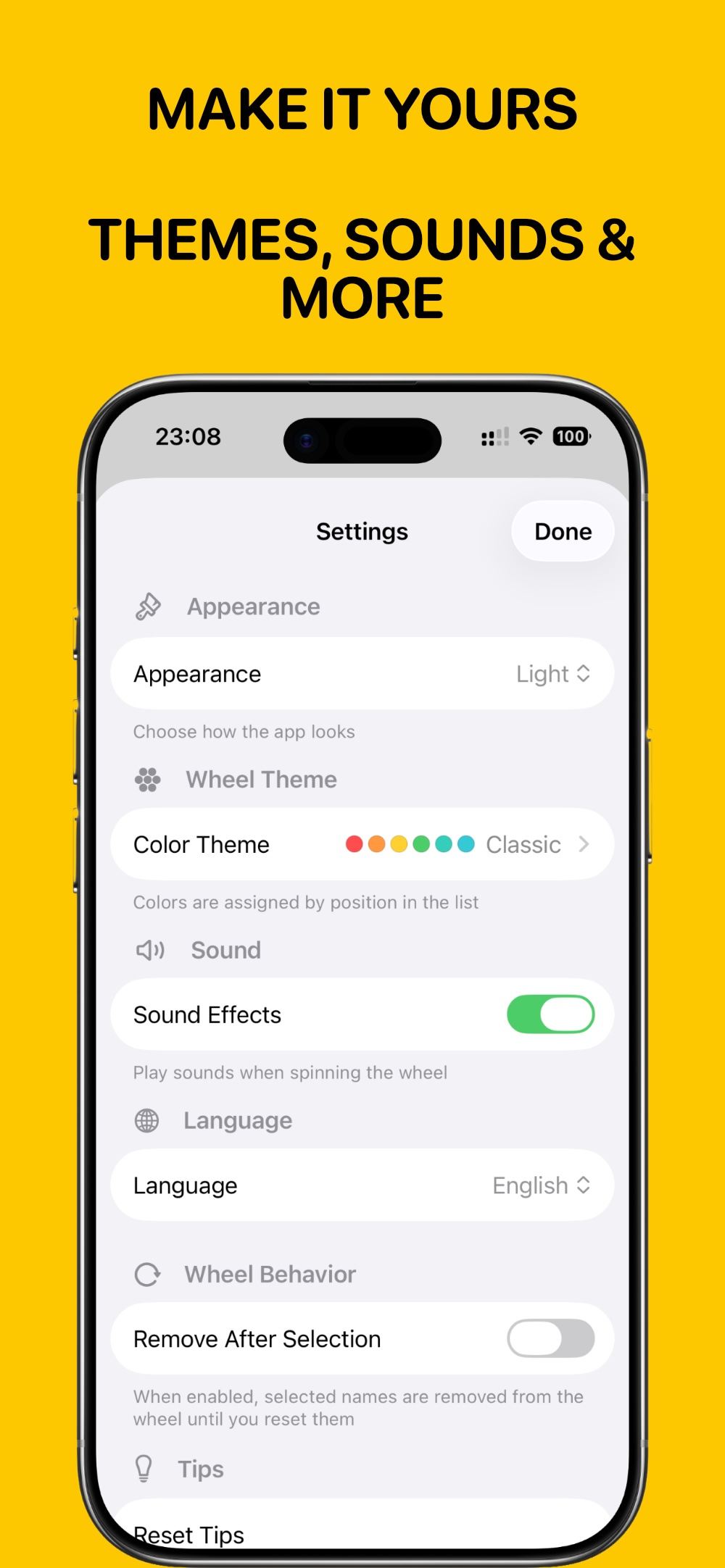
Choose from multiple beautiful color themes to match your style or classroom mood.
Remove After Selection
Optionally remove selected names from the wheel until everyone has had a turn.
Perfect For
Teachers, trainers, and anyone who needs fair random selection
📚 Classroom Activities
Call on students randomly for questions, reading aloud, or presentations. Keep students engaged and ensure everyone participates.
🎁 Prize Drawings
Run fair prize drawings, giveaways, or raffles. The spinning animation builds excitement!
🤝 Team Selection
Randomly assign team captains, group leaders, or pick who goes first in activities.
🎮 Games & Icebreakers
Add an element of chance to games, trivia, or icebreaker activities with random selection.
🗓️ Task Assignment
Fairly assign chores, duties, or responsibilities. Everyone gets a fair shot at any task.
🎭 Decision Making
Can't decide? Let the wheel choose! Great for picking restaurants, movies, or activities.
Screenshots
See Name Wheel in action
About the Developer
Hi, I'm Julius, an iOS developer passionate about creating useful tools for educators. Name Wheel was born from seeing teachers struggle with fair random selection in classrooms.
Version 2.0 brings Group Maker, Arc Mode, and GPU-accelerated performance — making it even more powerful and fun to use.
Learn more about my journey →